> For the complete documentation index, see [llms.txt](https://docs.tresori.xyz/llms.txt). Markdown versions of documentation pages are available by appending `.md` to page URLs; this page is available as [Markdown](https://docs.tresori.xyz/subscription.md).
# Subscription
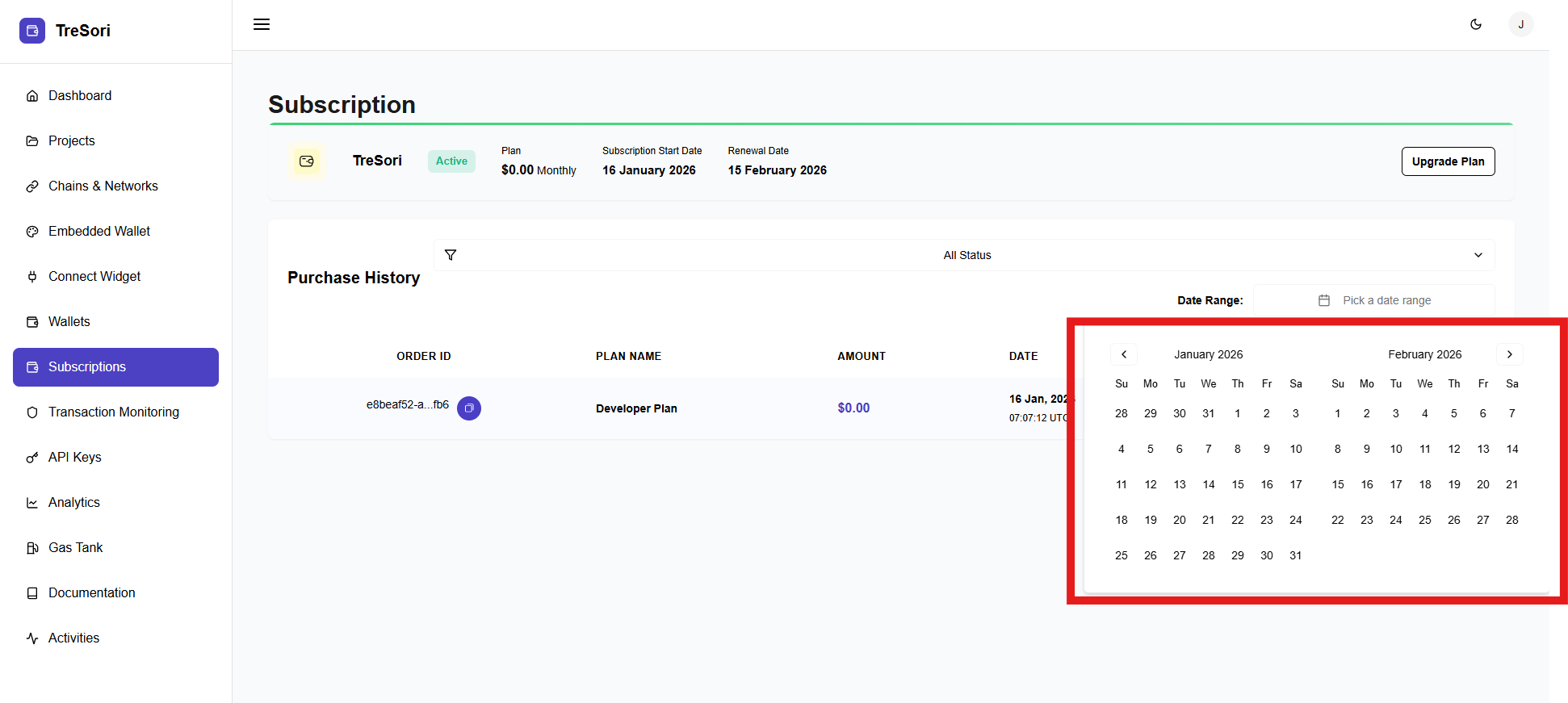
The Subscription section provides a complete view of the user’s current Tresori plan, billing status, renewal timeline, and purchase history. This section helps users manage their plan, track subscription activity, and upgrade services as their application scales.
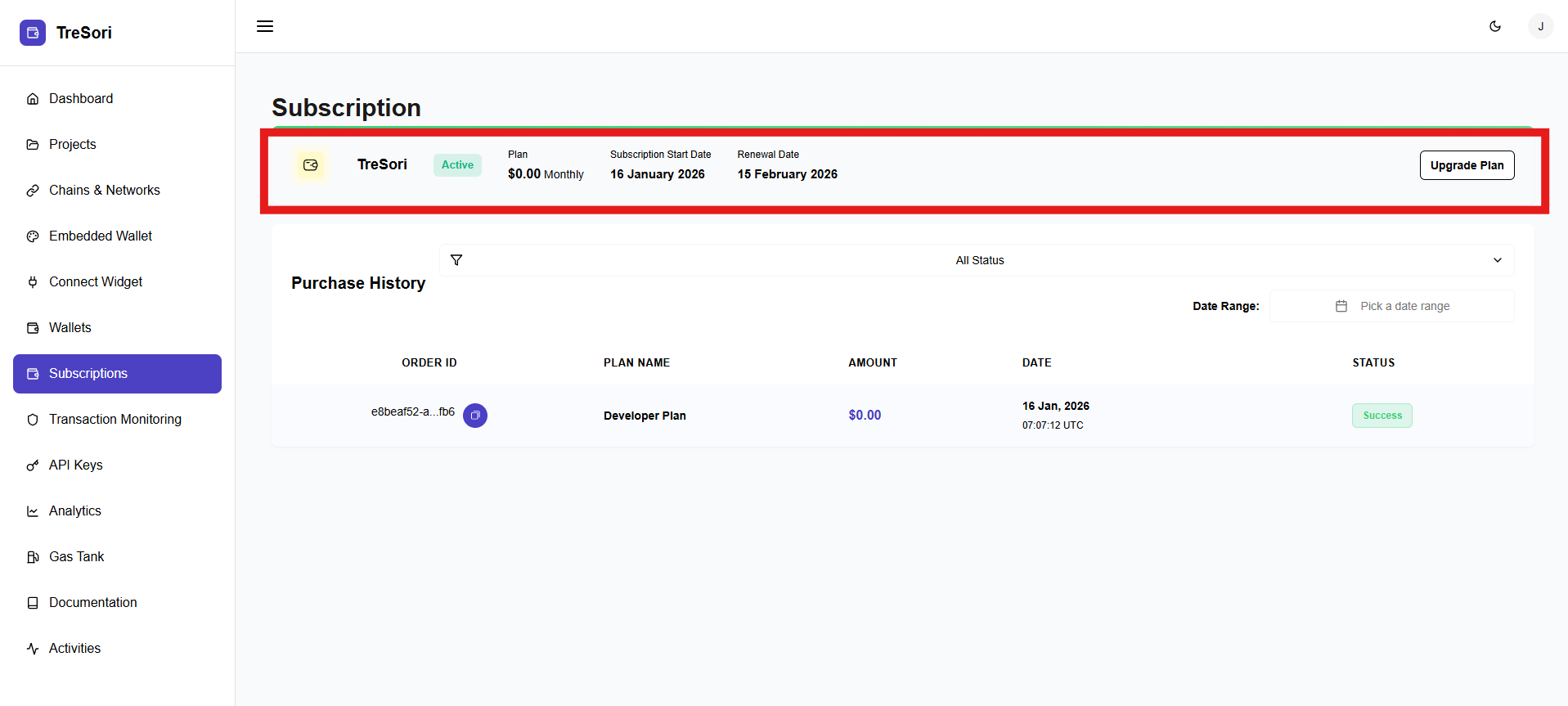
### Current Subscription Details
At the top of the page, users can view the details of their active subscription.
**Product Name & Status**
This section displays the subscribed product (e.g., **Tresori**) along with its current status. An Active status indicates that the subscription is valid and all associated features are available for use.
**Plan Information**
The Plan field shows the name and pricing model of the current subscription (for example, *Monthly Plan – $0.00* ). This helps users understand the tier they are currently on and the associated cost.
**Subscription Start Date**
This indicates the date on which the current subscription became active. It is useful for tracking plan duration and billing cycles.
**Renewal Date**
The Renewal Date specifies when the subscription will renew or expire. This helps users plan upgrades, downgrades, or cancellations in advance.
**Upgrade Plan**
The Upgrade Plan button allows users to move to a higher-tier plan to unlock additional features, higher limits, or enterprise capabilities as required.
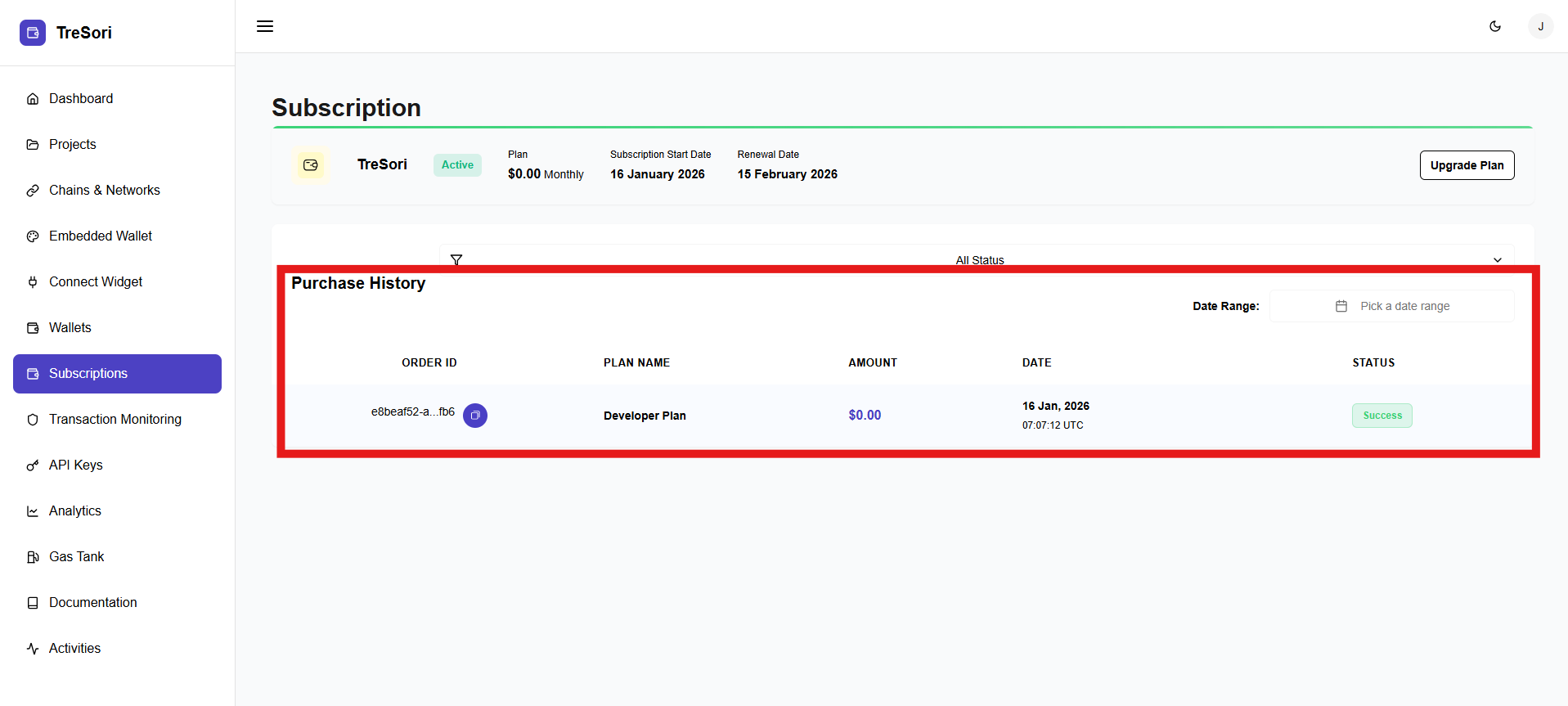
### Purchase History
The Purchase History section provides a detailed log of all subscription-related transactions.
This section enables users to track billing records, verify payments, and maintain transparency for accounting or audit purposes.
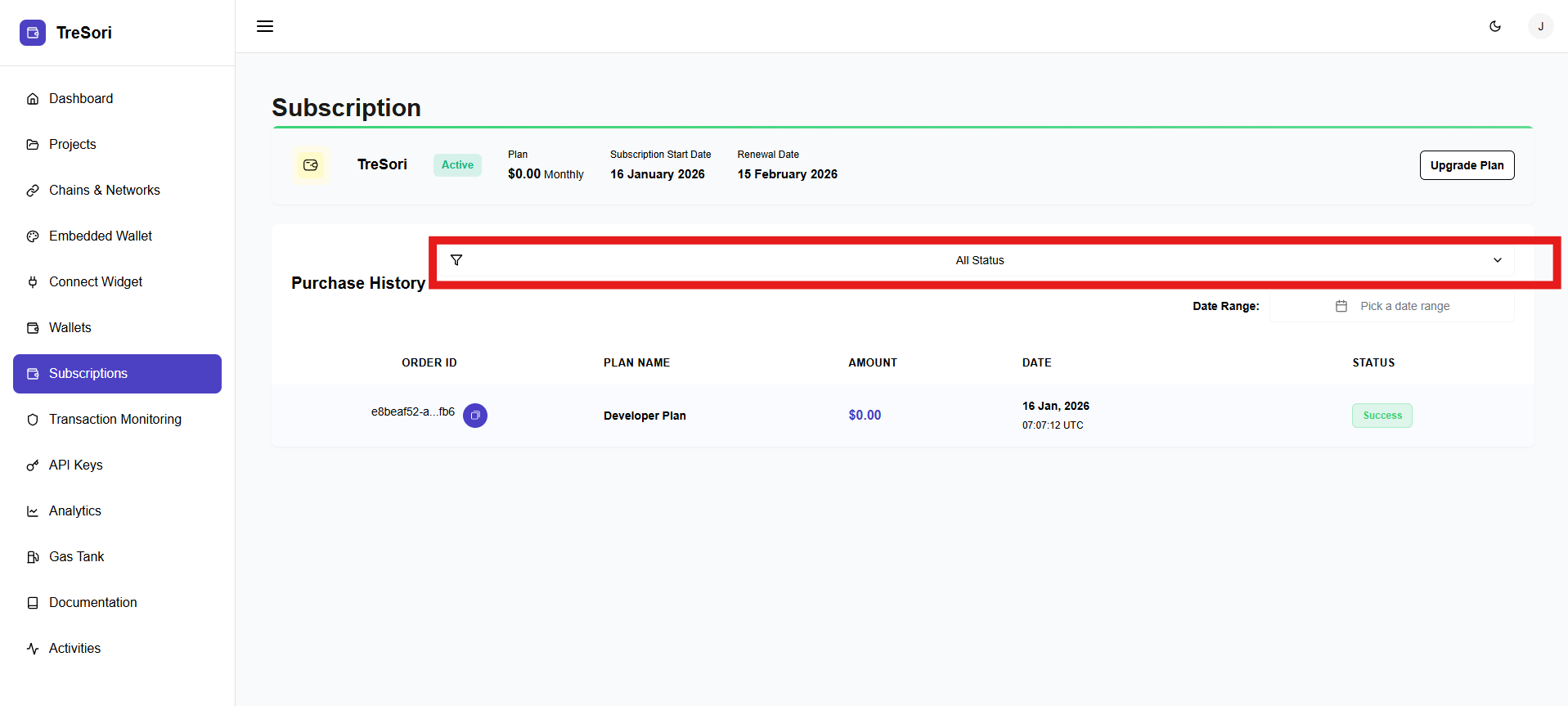
#### Filters & Controls
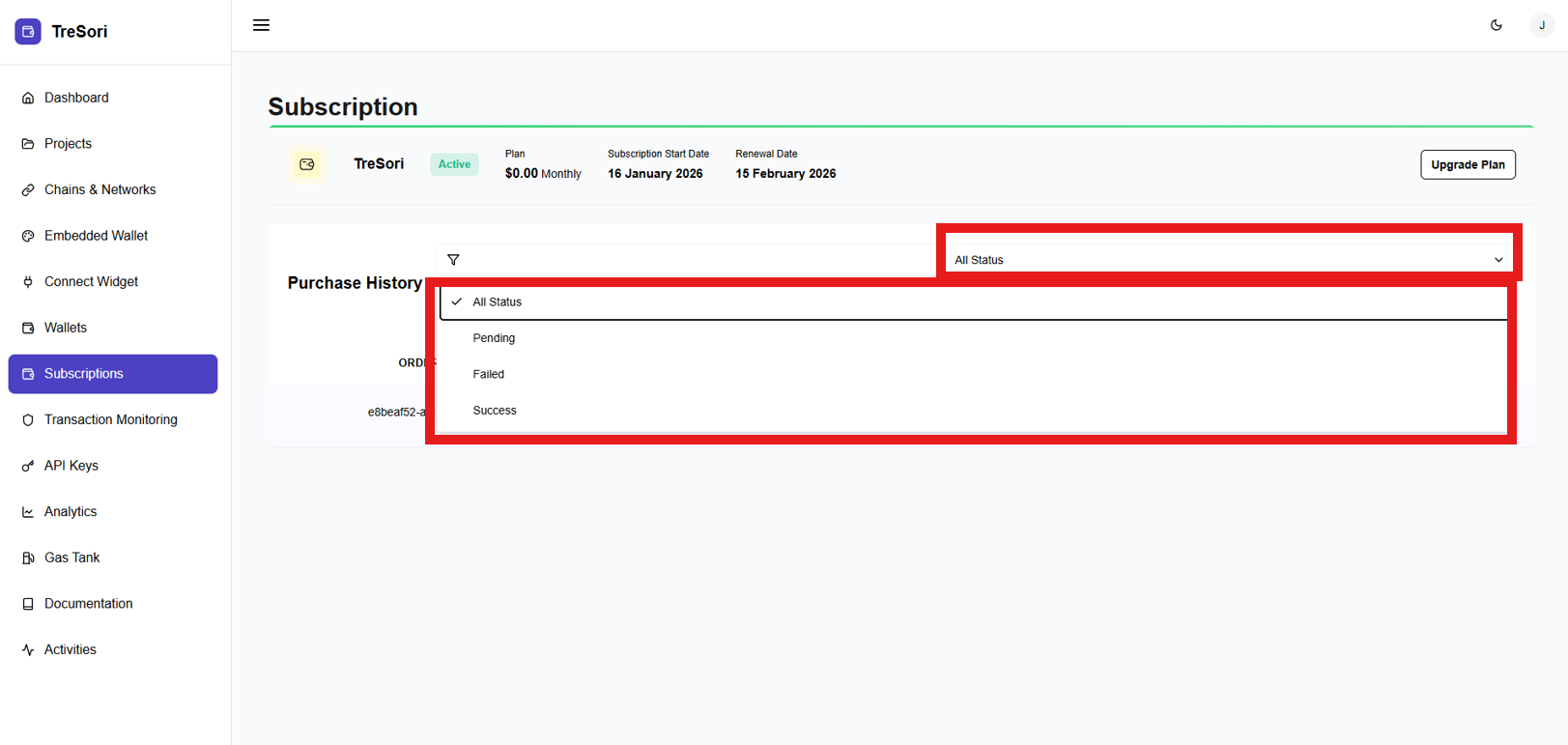
Users can filter purchase history using:
* **Status filter** (e.g., Success, Failed, and Pending)
* **Date Range picker** to view transactions within a specific period
These controls make it easier to locate specific transactions.