> For the complete documentation index, see [llms.txt](https://docs.tresori.xyz/llms.txt). Markdown versions of documentation pages are available by appending `.md` to page URLs; this page is available as [Markdown](https://docs.tresori.xyz/chain-and-networks.md).
# Chain & Networks
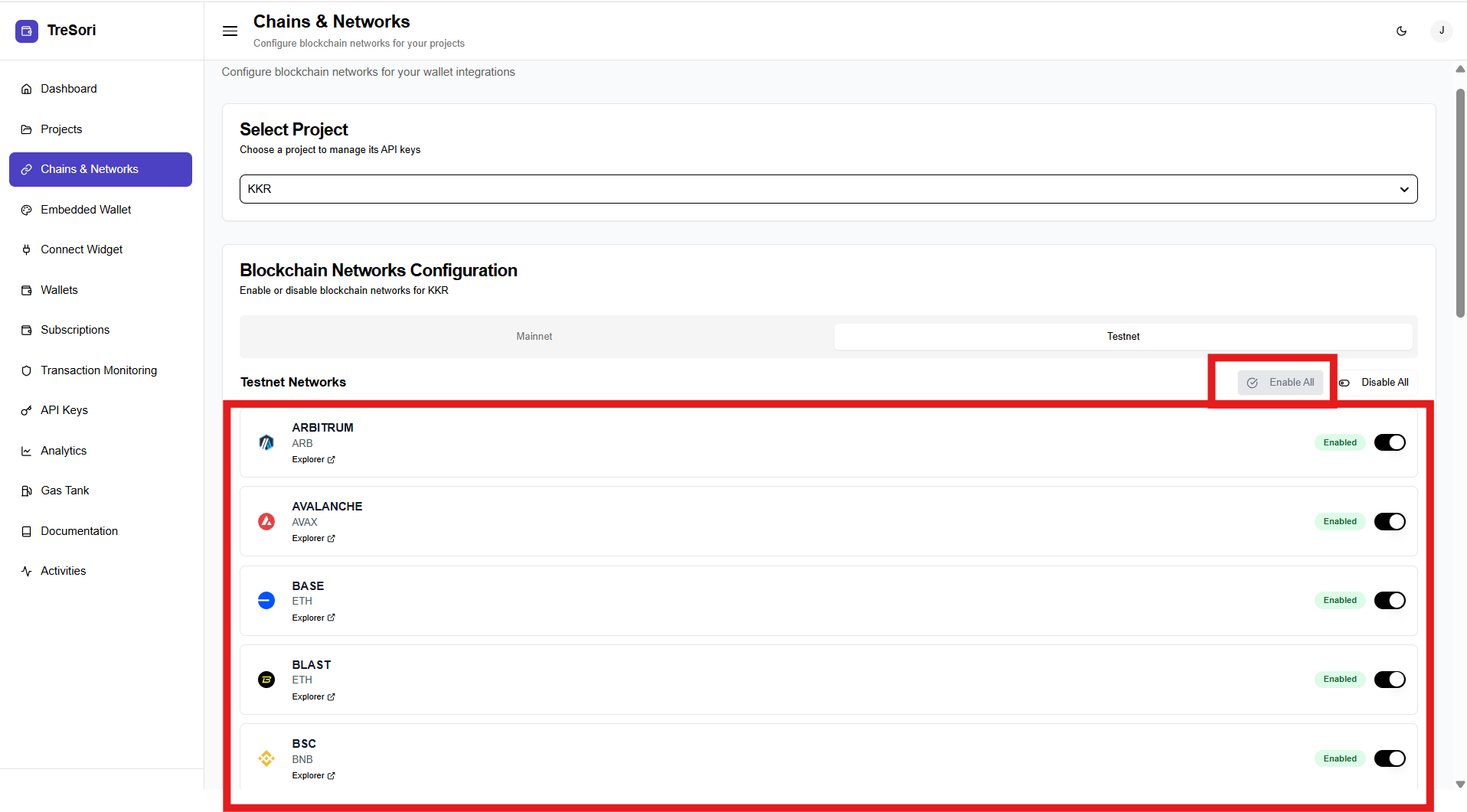
The **Chains & Networks** section allows users to configure and manage the blockchain networks that are enabled for a specific project. This section defines where wallets can be created and where transactions can be executed, giving users fine-grained control over supported blockchains.
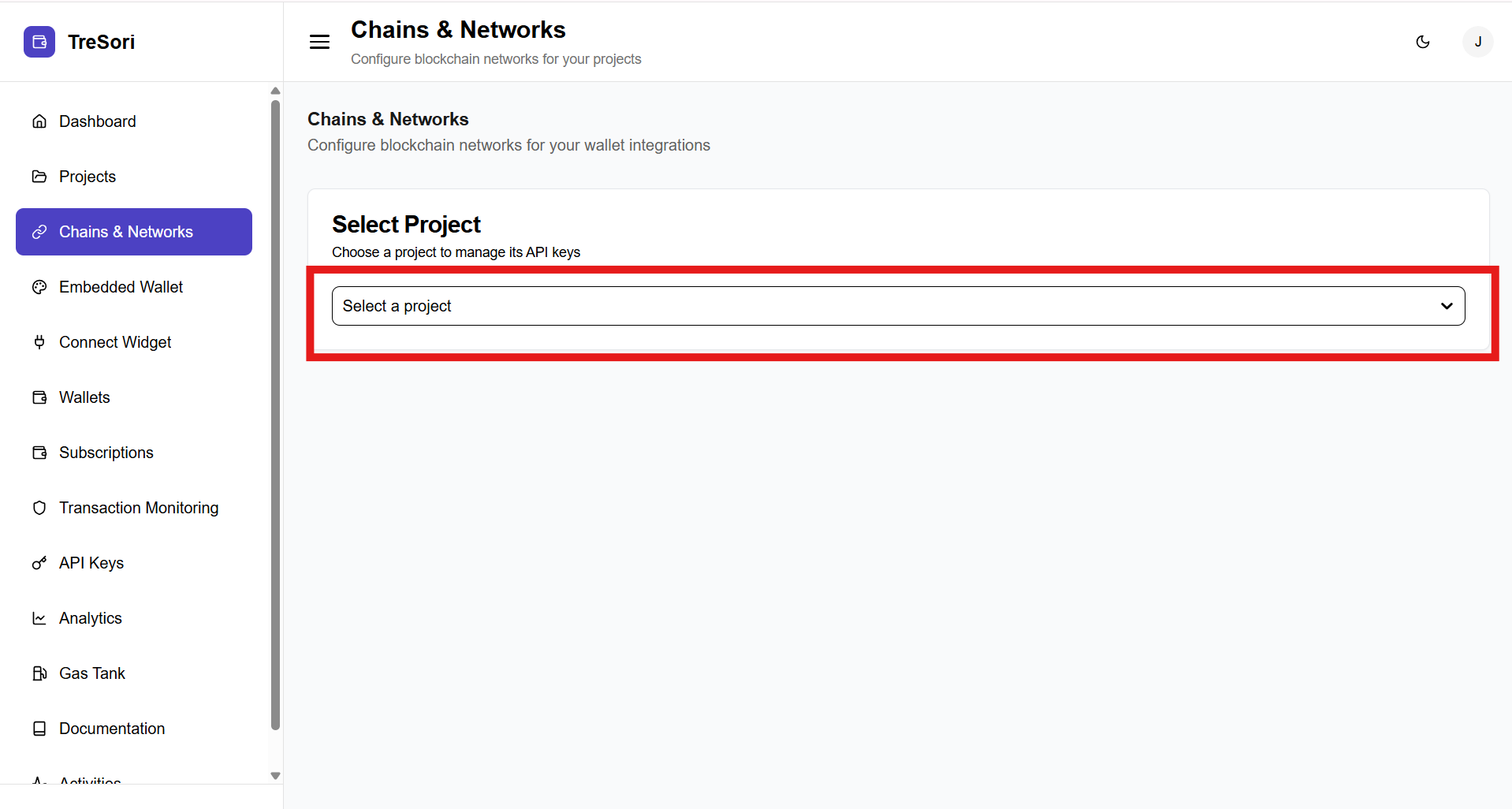
**Select Project**
Users must first choose a project from the **Select Project** dropdown.
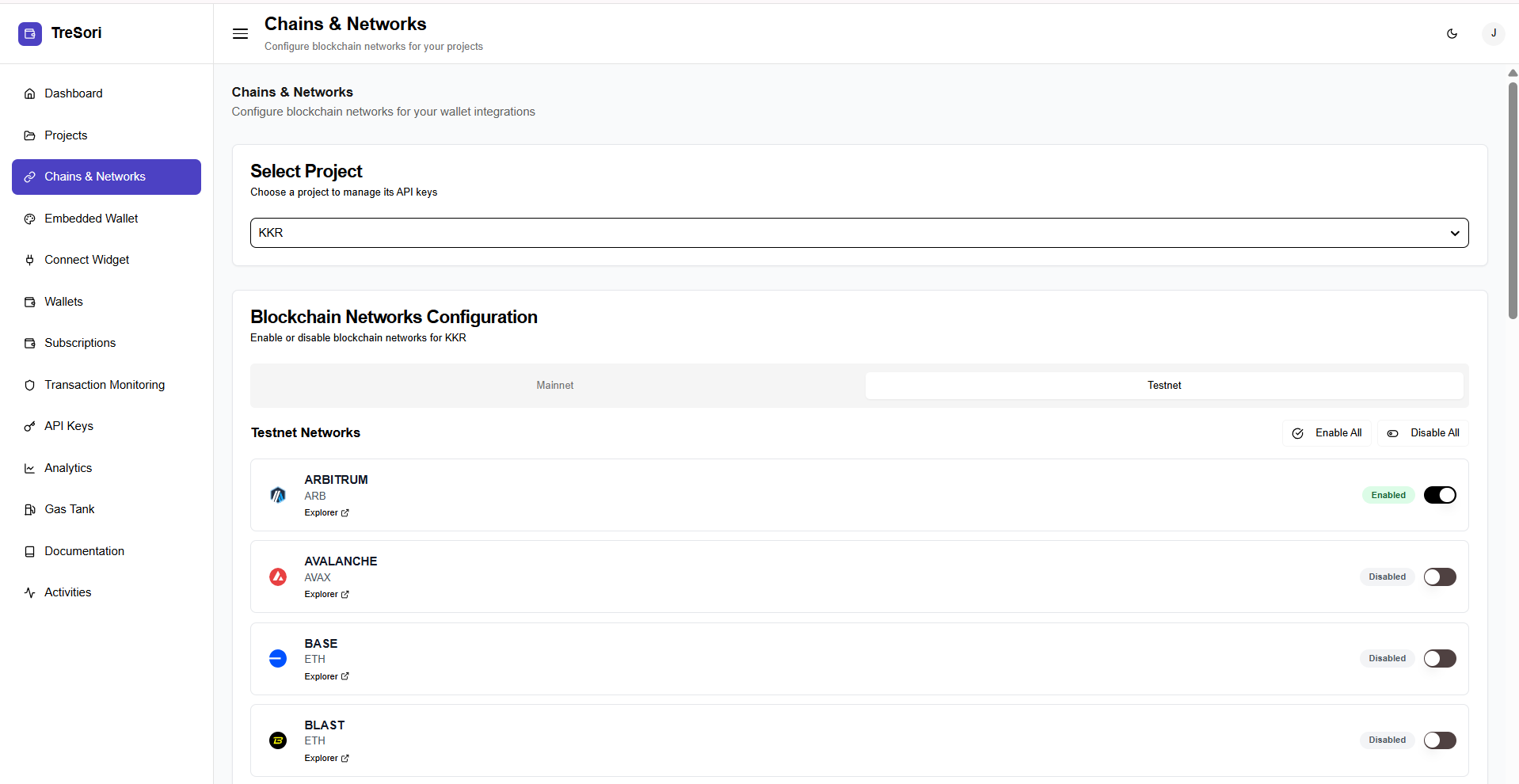
Once a project is selected, the **Blockchain Networks Configuration** panel becomes active. This panel allows users to enable or disable blockchain networks for the selected project.
#### Supported Blockchain Networks
1. **Arbitrum**
2. **Avalanche**
3. **Base**
4. **Blast**
5. **BNB Smart Chain (BSC)**
6. **Celo**
7. **Conflux**
8. **Ethereum (ETH)**
9. **Kalp**
10. **Linea**
11. **Mantle**
12. **opBNB**
13. **Optimism**
14. **Palm**
15. **Polygon**
16. **Scroll**
17. **Sei**
18. **Starknet**
19. **Sonic**
20. **Solana**
21. **TRON**
22. **Unichain**
23. **zkSync**
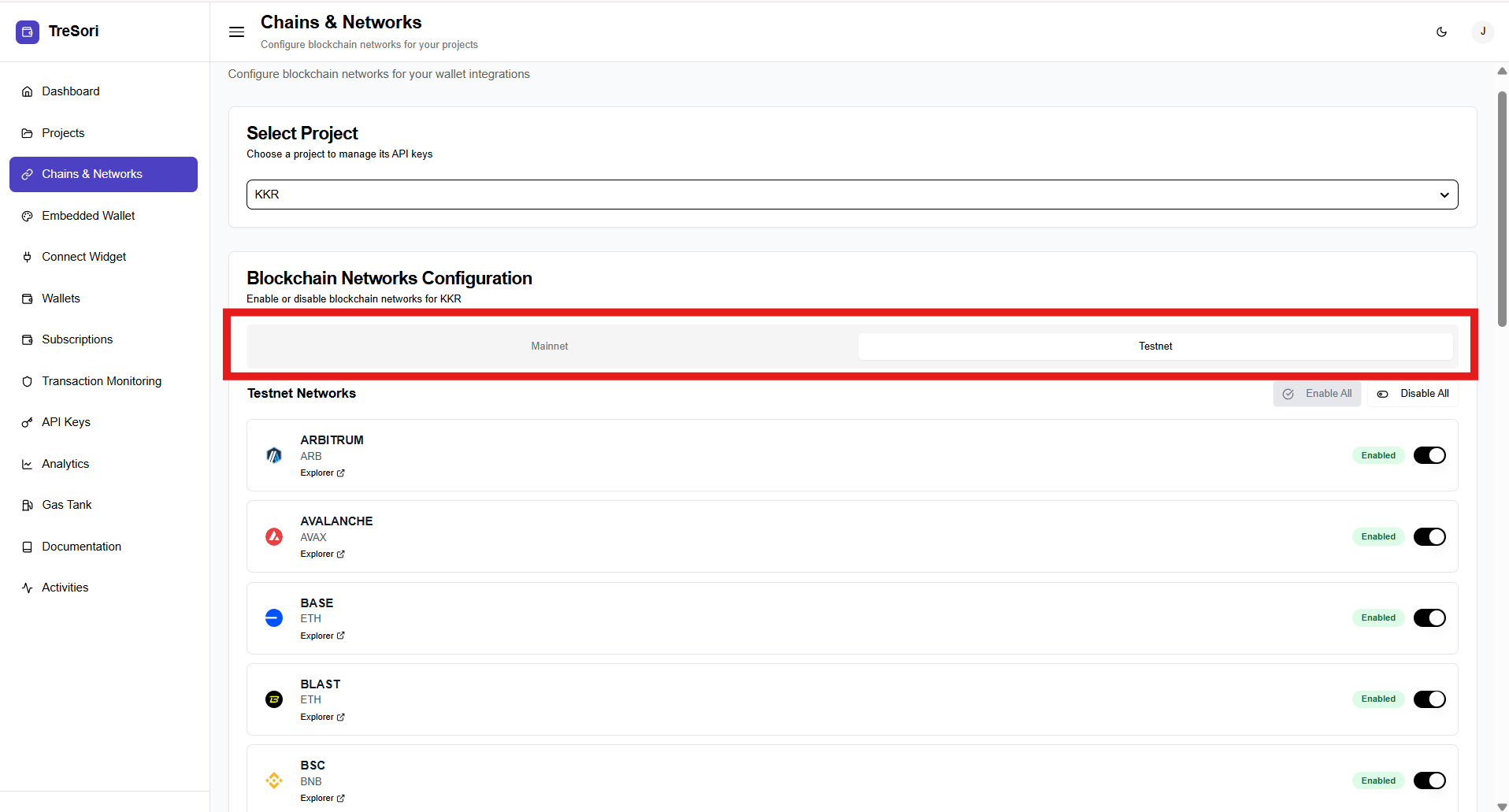
**Network Environment**
* **Mainnet** – Used for production-grade transactions involving real assets.
* **Testnet** – Used for development, testing, and QA without real value transfer.
Users can switch between Mainnet and Testnet to configure networks independently for each environment.
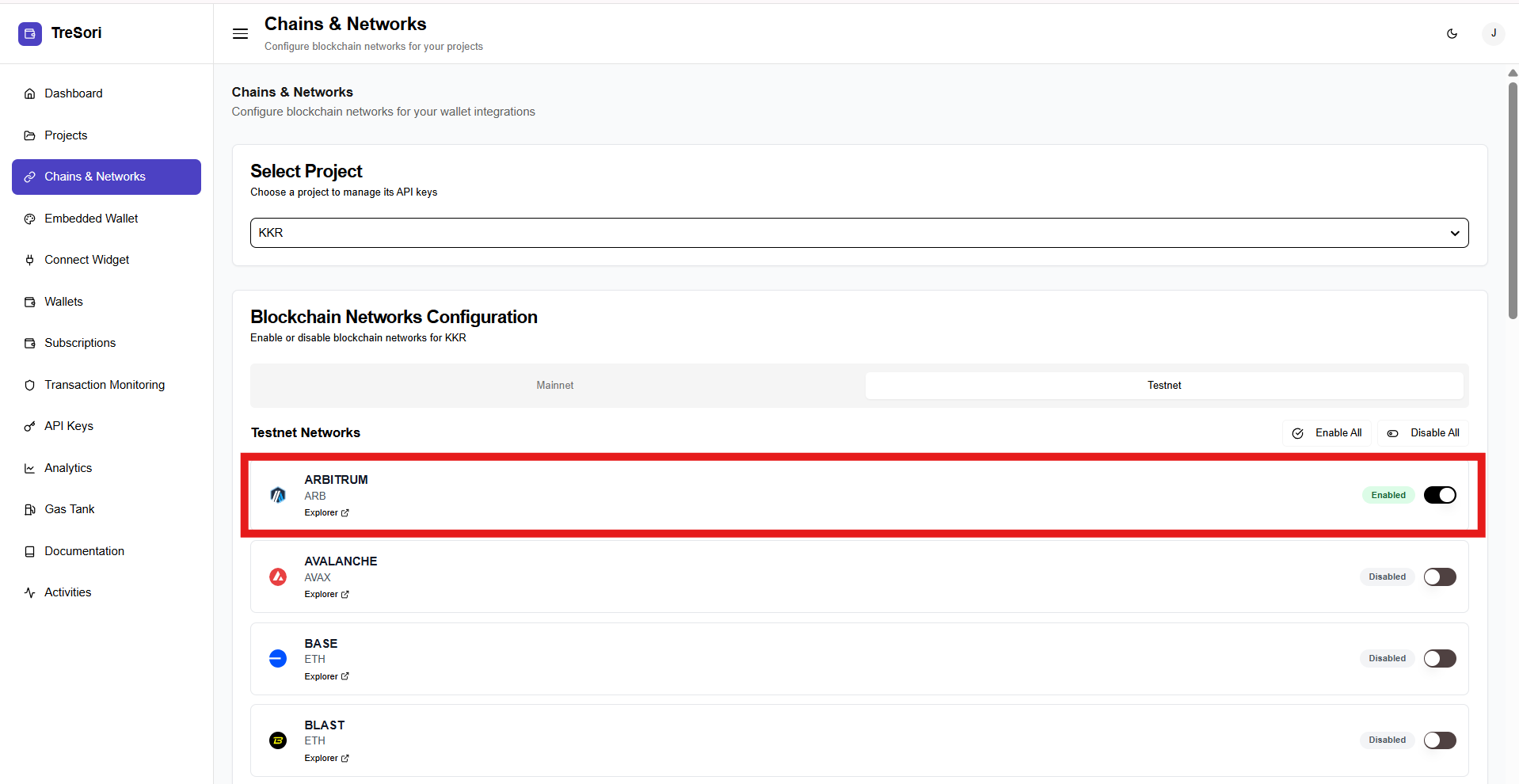
Users can select and configure one or more blockchain networks for the chosen project based on their specific requirements.
Each selected network becomes available exclusively within that project, allowing users to tailor network access and behavior according to their use case while maintaining isolation from other projects.
Users have the flexibility to enable blockchain networks based on project needs. Networks can be activated individually using the corresponding toggle controls, or all networks can be enabled simultaneously with a single click using the **“Enable All”** option, simplifying bulk configuration.