> For the complete documentation index, see [llms.txt](https://docs.tresori.xyz/llms.txt). Markdown versions of documentation pages are available by appending `.md` to page URLs; this page is available as [Markdown](https://docs.tresori.xyz/getting-started/publish-your-docs.md).
# Dashboard
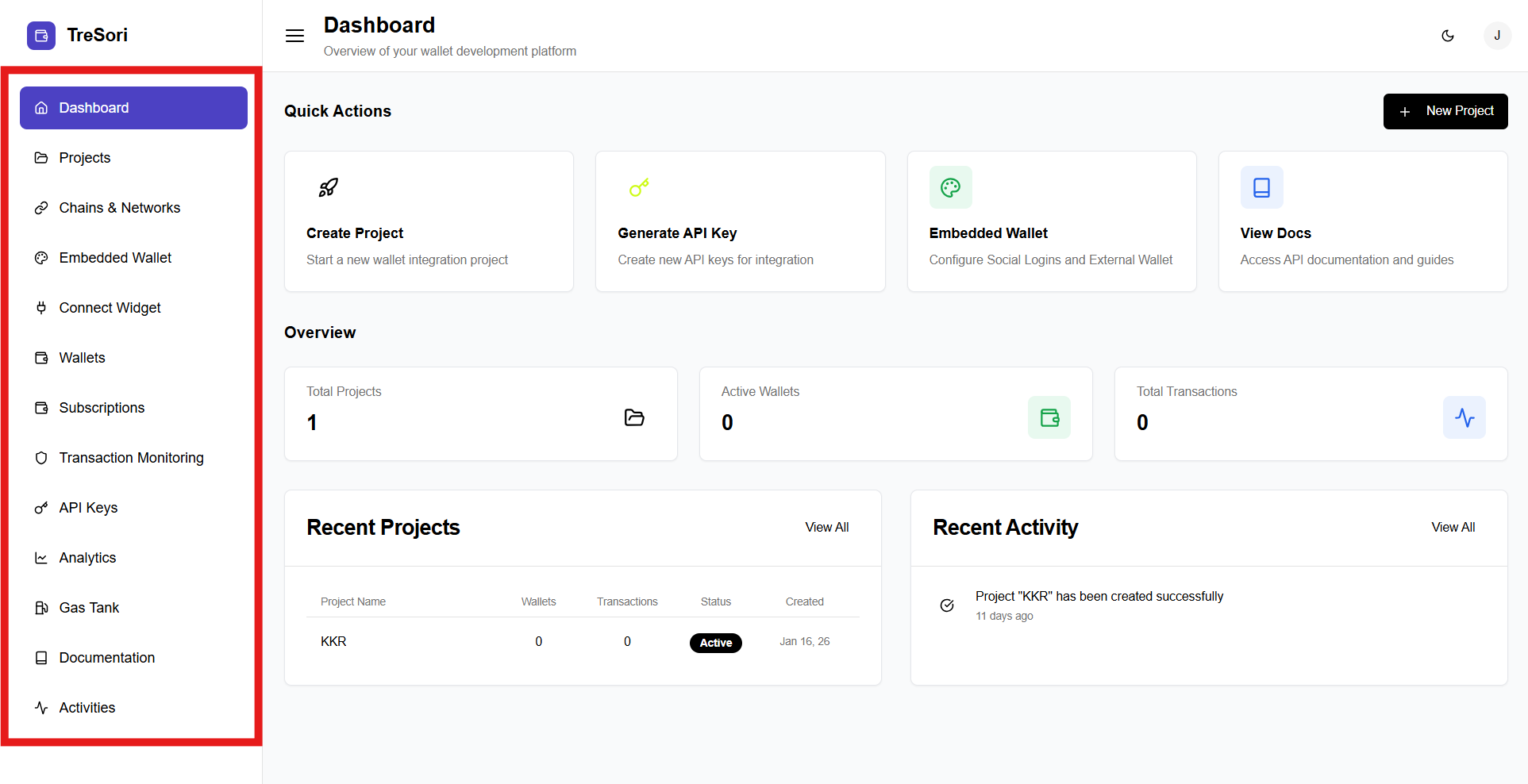
When a user logs in to **Tresori**, they land on the **Dashboard**, which is designed to give them an immediate understanding of their Tresori account status and a clear path to begin working.
The **Dashboard** provides a high-level snapshot of your wallet infrastructure and ongoing activity. It is the first screen users see after logging into Tresori.
The **Dashboard is divided into four main sections**, each serving a distinct purpose in the user interaction:
1. **Quick Actions**
2. **Overview Metrics**
3. **Recent Projects**
4. **Recent Activity**
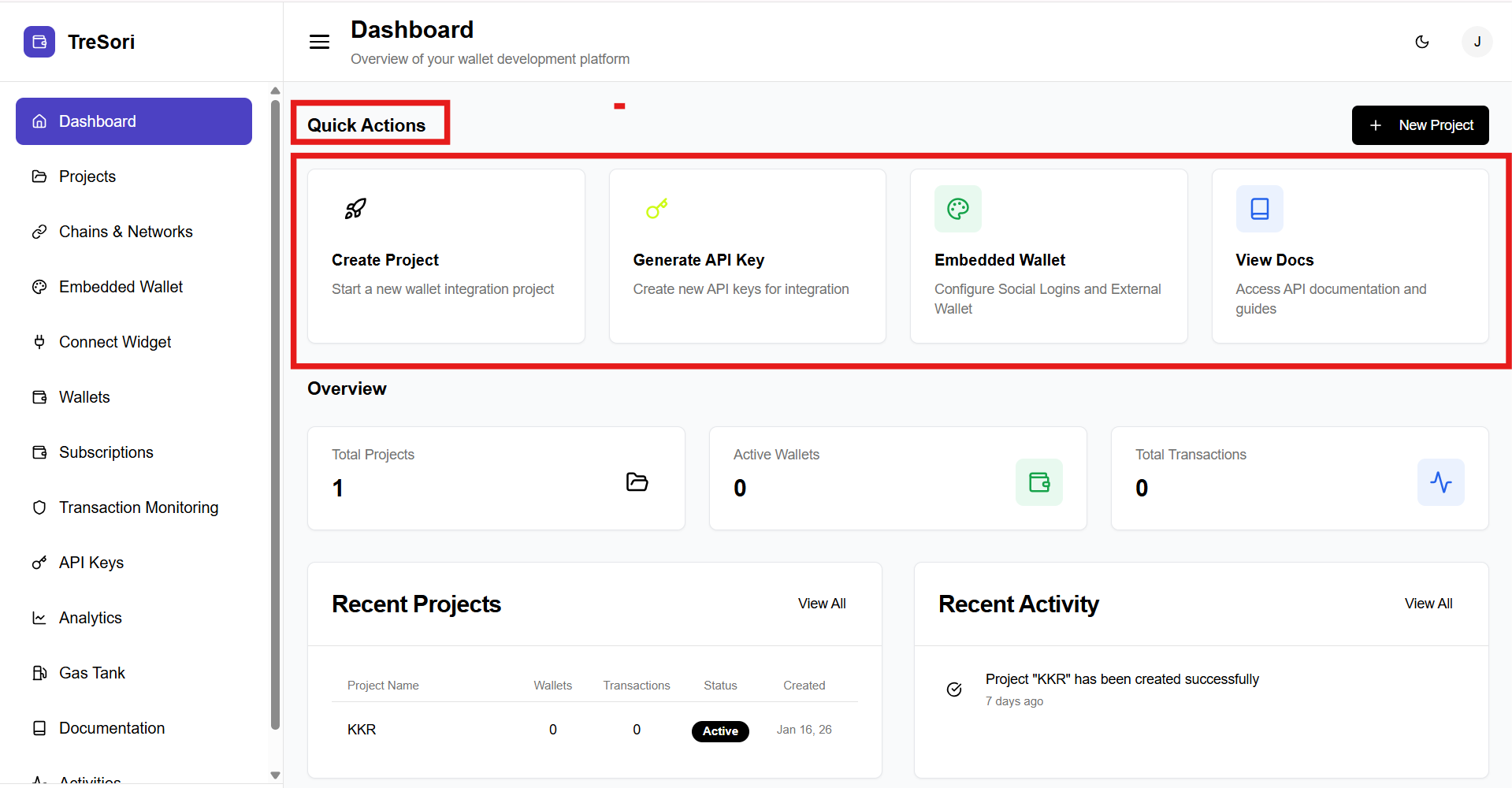
Among these, **Quick Actions** is the **starting point** for most users.
#### **Quick Actions Section**
This section provides shortcuts for frequently used actions:
* **Create Project**\
Start a new wallet integration project within Tresori.
* **Generate API Key**\
Create API keys required for authenticating and integrating Tresori services.
* **Embedded Wallet**\
Configure embedded wallets, including social login and external wallet options.
* **View Docs**\
Access comprehensive API documentation and integration guides.
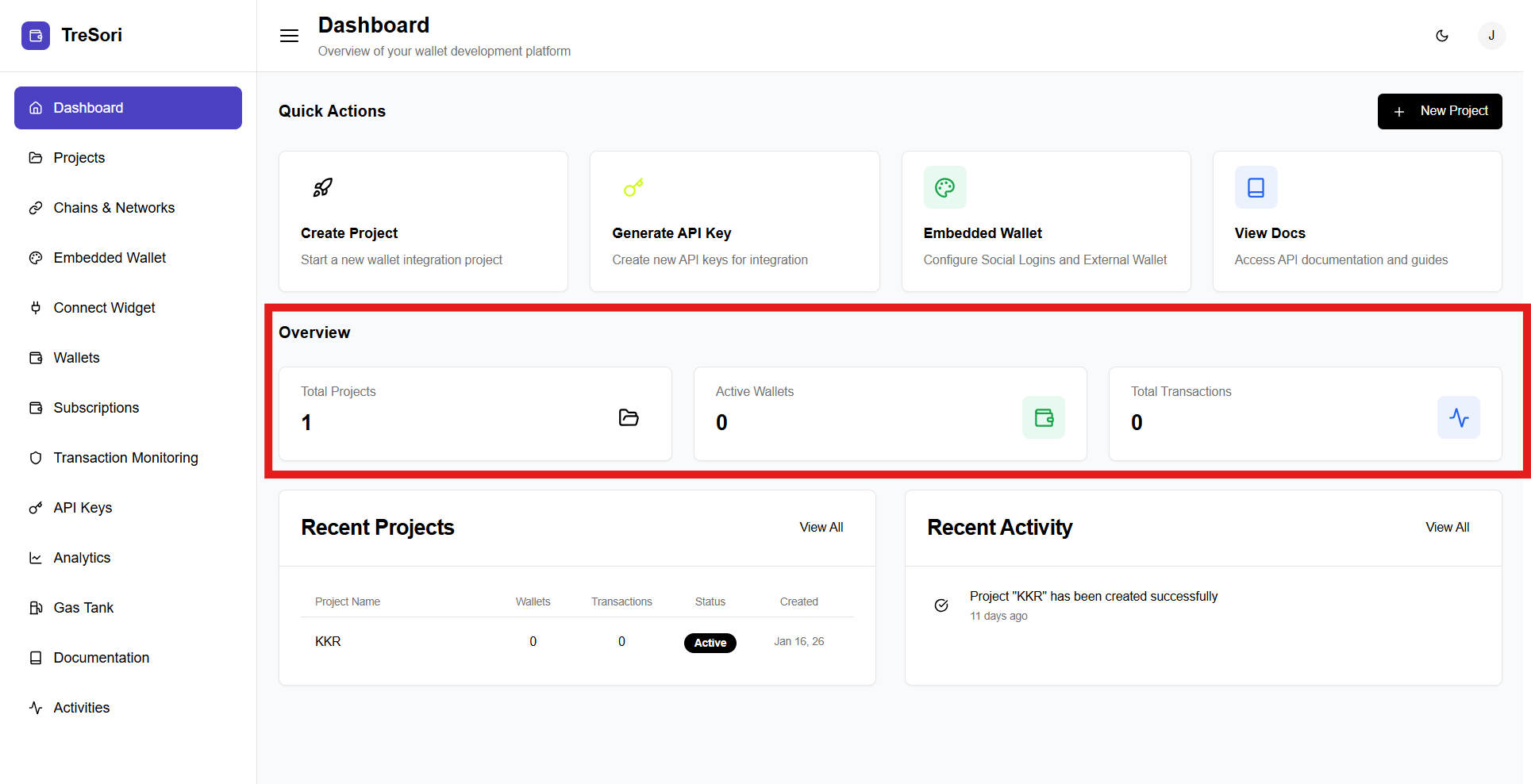
### Overview Metrics
The Overview section gives a snapshot of platform usage:
* **Total Projects** – Displays the number of projects created.
* **Active Wallets** – Shows the count of currently active wallets.
* **Total Transactions** – Indicates the total number of transactions processed.
These metrics help users quickly assess the current state of their wallet ecosystem.
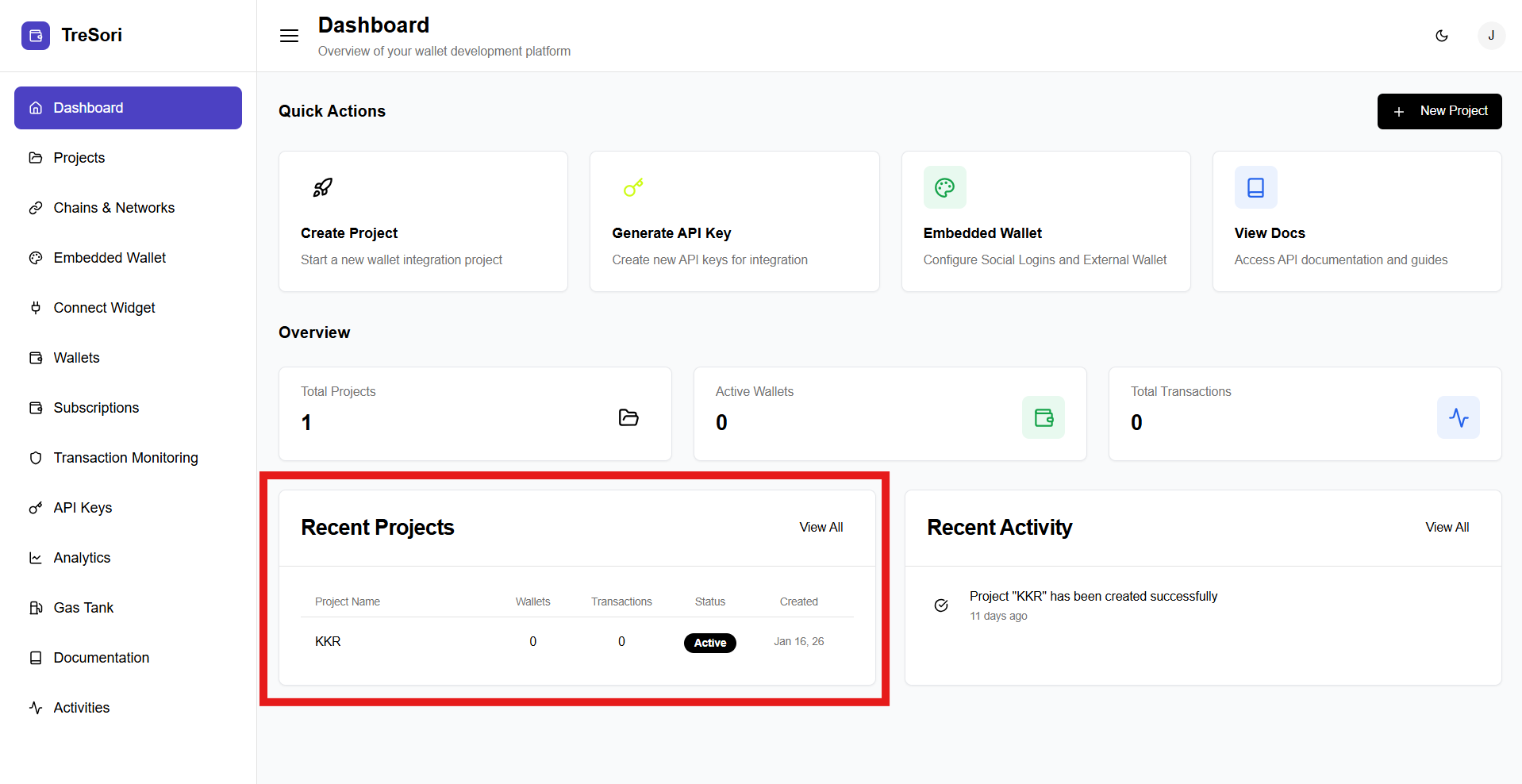
### Recent Projects
This section lists recently created projects with key details such as:
* Project Name
* Number of Wallets
* Transaction Count
* Project Status (Active/Inactive)
* Creation Date
Users can click **View All** to see the complete list of projects.
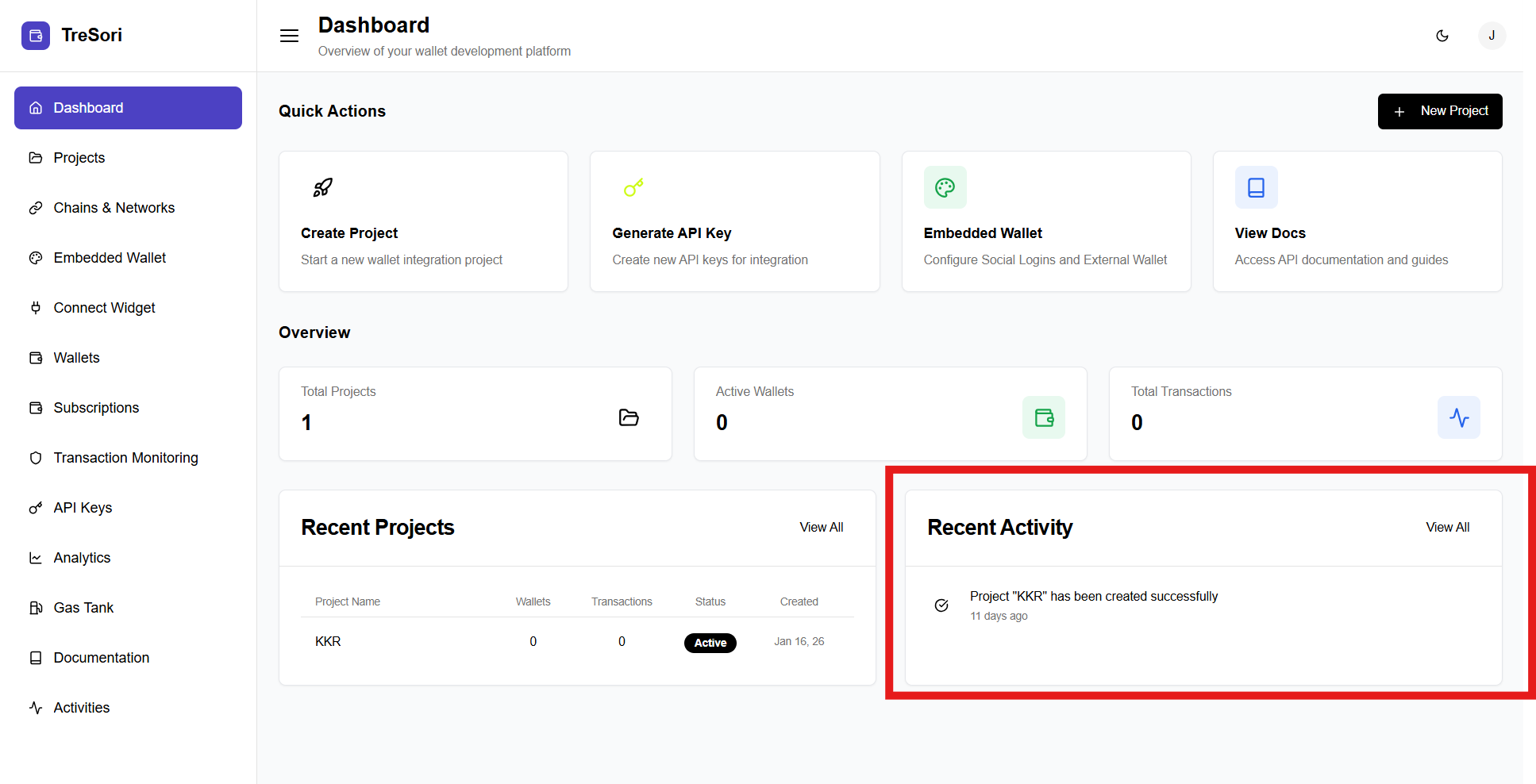
### Recent Activity
The **Recent Activity** panel displays a timeline of important events, such as:
* Project creation
* Configuration updates
* System-level actions
This helps users track changes and stay informed about recent operations.
### Left Navigation Panel
The left sidebar enables seamless navigation across all Tresori features:
* **Dashboard** – Provides a high-level overview of wallet activity, projects, and usage metrics.
* **Projects** – Create, view, and manage wallet integration projects.
* **Chains & Networks** – Configure supported blockchain networks for your projects.
* **Embedded Wallet** – Set up and manage embedded wallets, including social login and external wallet configurations.
* **Connect Widget** – Configure wallet connection widgets for application integration.
* **Wallets** – View and manage created wallets across projects.
* **Subscriptions** – Manage subscription plans and billing details.
* **Transaction Monitoring** – Track wallet transactions and monitor activity.
* **API Keys** – Generate and manage API keys for secure integrations.
* **Analytics** – View usage metrics and performance insights.
* **Gas Tank** – Manage gas sponsorship and gasless transaction settings.
* **Documentation** – Access developer guides and API references.
* **Activities** – Review recent actions and system events.