> For the complete documentation index, see [llms.txt](https://docs.tresori.xyz/llms.txt). Markdown versions of documentation pages are available by appending `.md` to page URLs; this page is available as [Markdown](https://docs.tresori.xyz/activities.md).
# Activities
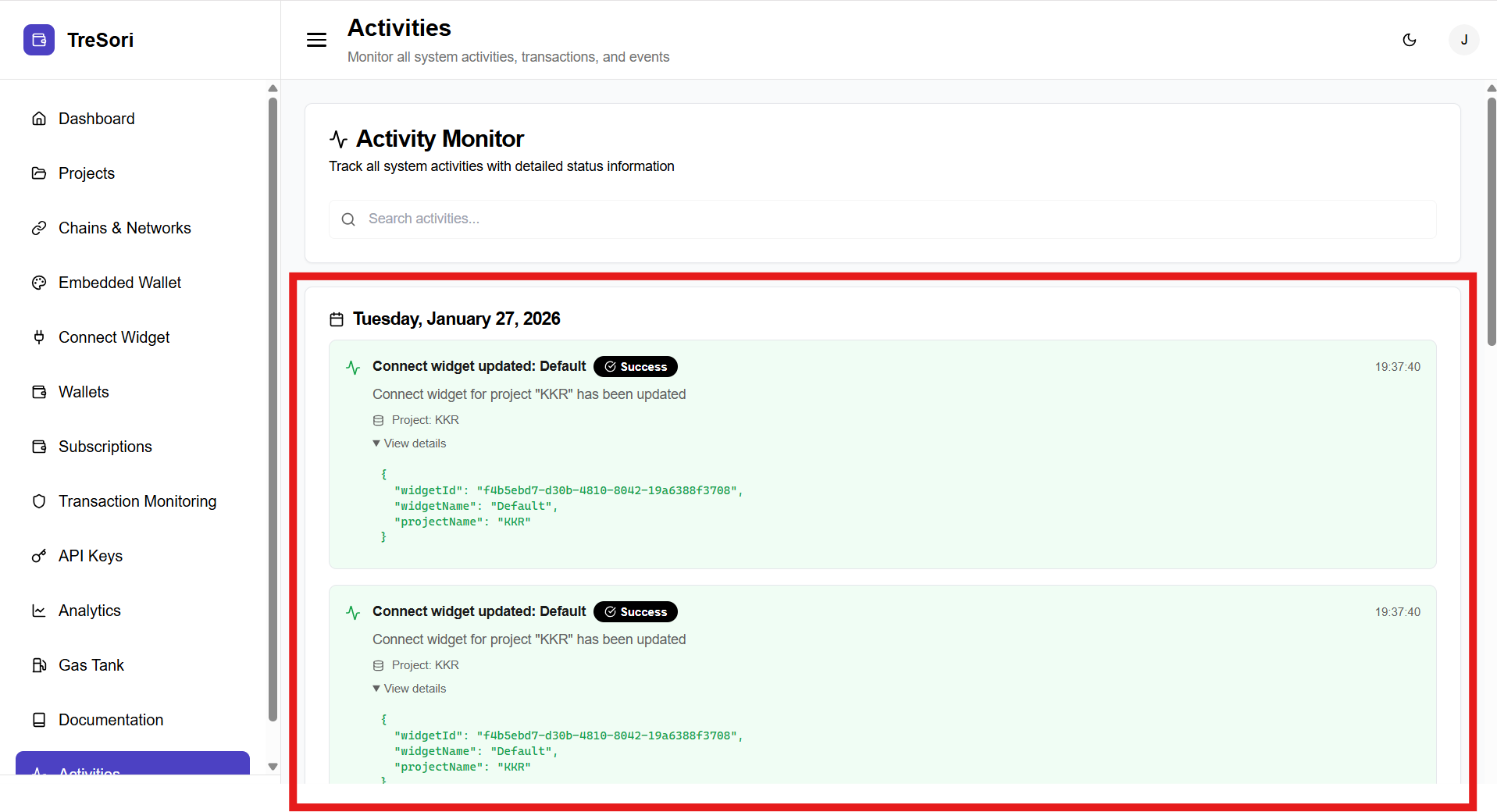
The Activities section serves as a centralized audit log for all system-level actions, configuration changes, and operational events within Tresori. It allows users to track what actions occurred, when they occurred, and their execution status. Activities are displayed in a chronological timeline, with each entry representing a specific action performed in the system along with detailed status information.
Activities are grouped by **date** (e.g., *Tuesday, January 27, 2026*) and displayed in reverse chronological order, with the most recent actions shown first.
Each activity entry provides the following information:
* **Activity Name**
* Describes the action performed
* Example: *Connect widget updated: Default*
* **Status Indicator**
* Shows whether the action was successful or failed
* Example: **Success**
* **Description**
* Provides context about the activity
* Example: *Connect widget for project “KKR” has been updated*
* **Project Reference**
* Indicates the project associated with the activity
* Example: *Project: KKR*
* **Timestamp**
* Displays the exact time when the activity occurred
* **View Details**
* Allows users to expand or view more detailed information about the specific action
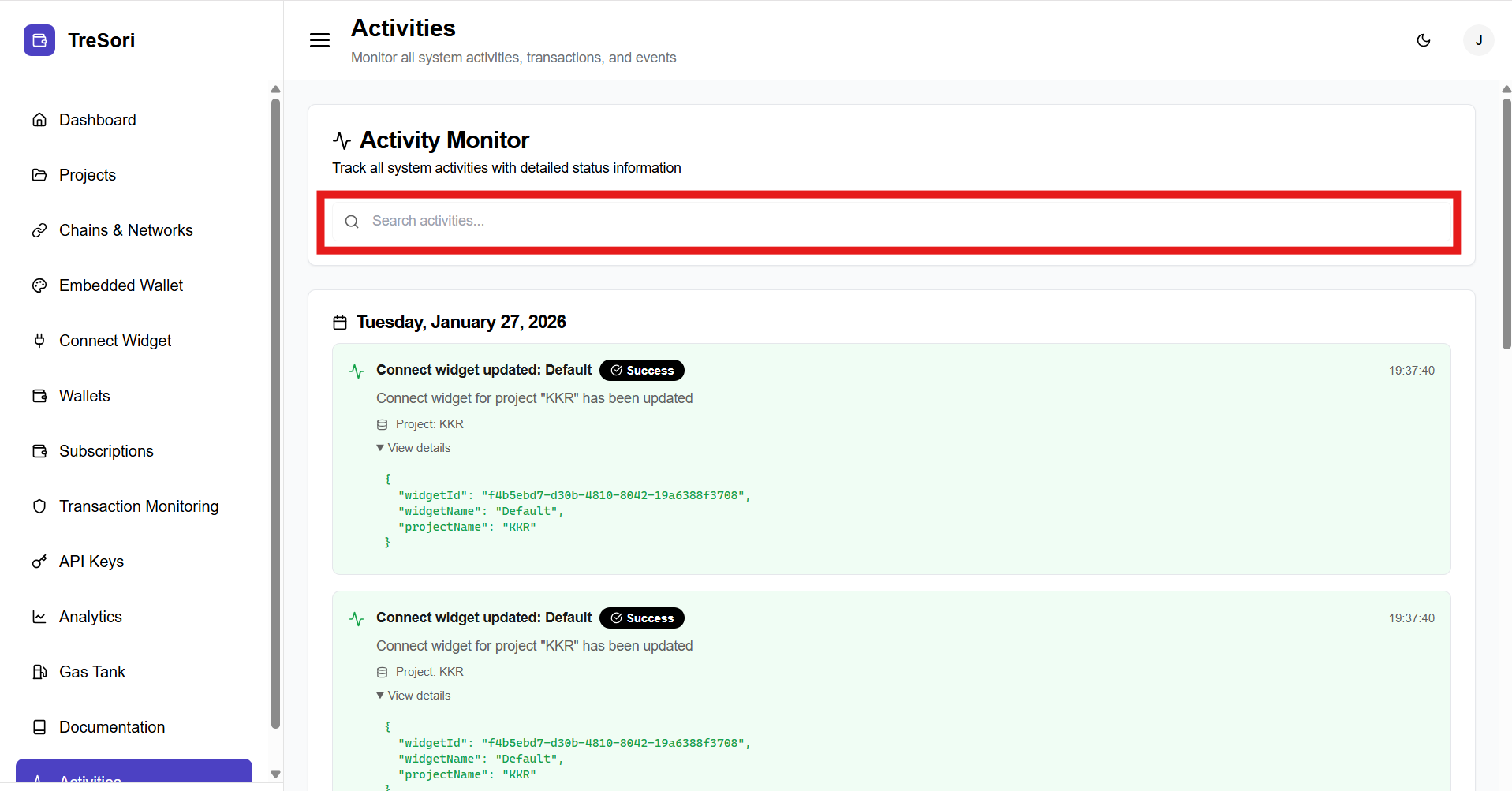
#### Search Activities
Users can search activities using the **Search activities** input. It helps them to quickly locate specific events such as:
* Widget updates
* Configuration changes
* Project-level actions