> For the complete documentation index, see [llms.txt](https://docs.tresori.xyz/llms.txt). Markdown versions of documentation pages are available by appending `.md` to page URLs; this page is available as [Markdown](https://docs.tresori.xyz/getting-started/user-onboarding/accessing-tresori.md).
# Accessing Tresori
There are two ways for users to access the Tresori Wallet-as-a-Service (WaaS).
**Option-1: From the Kalp Studio Dashboard**
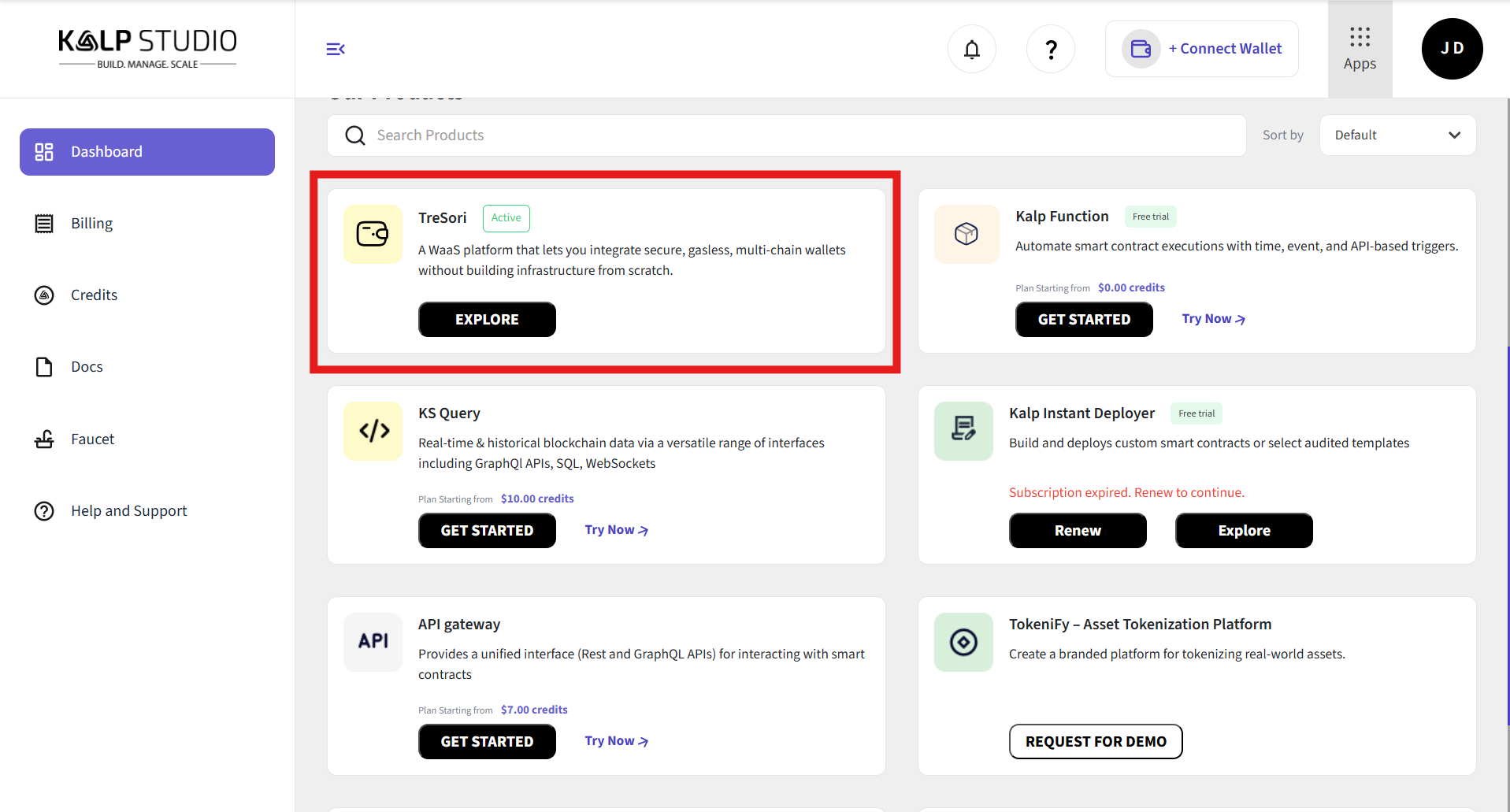
As users scroll down the dashboard, they can explore the range of products and services available on Kalp Studio. To proceed, users should select *Tresori*, which is displayed at the top of the page.
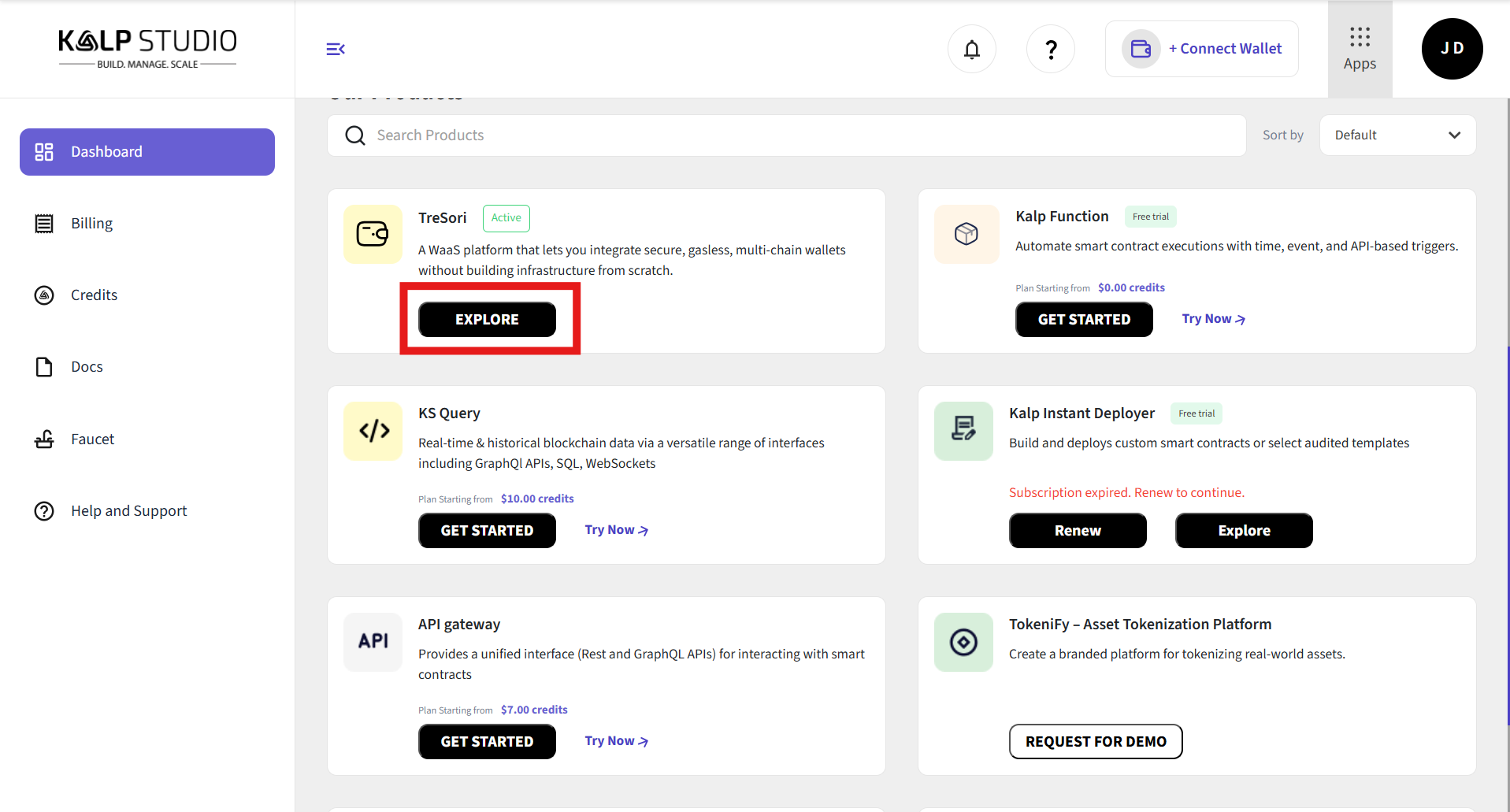
**Step-1:** Click on the ***Explore*** button to access and leverage the full capabilities of Tresori.
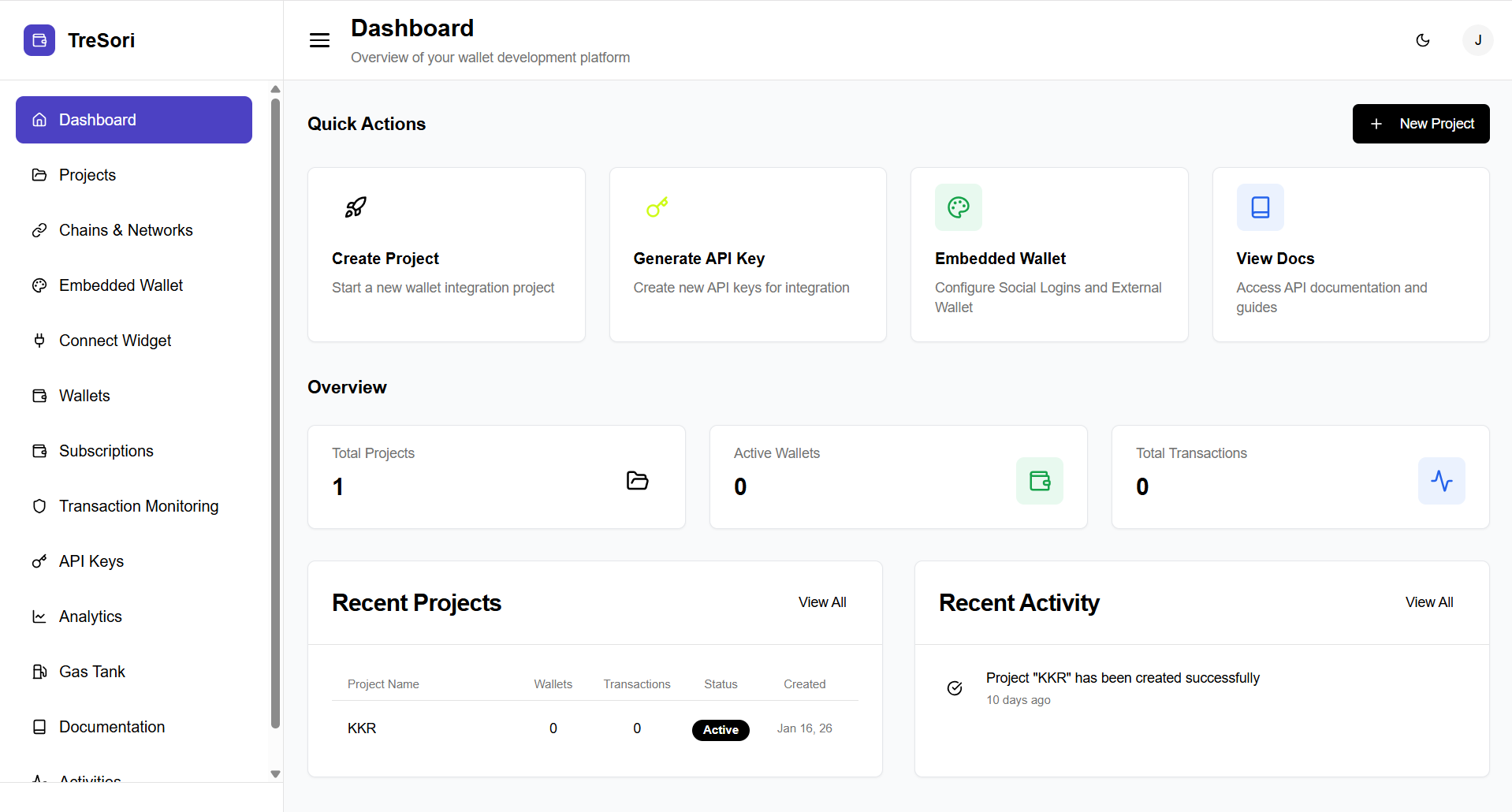
**Step-2:** Once the user clicks on the ***Explore*** button, it will redirect them to the Tresori's dashboard, as shown below in the image.
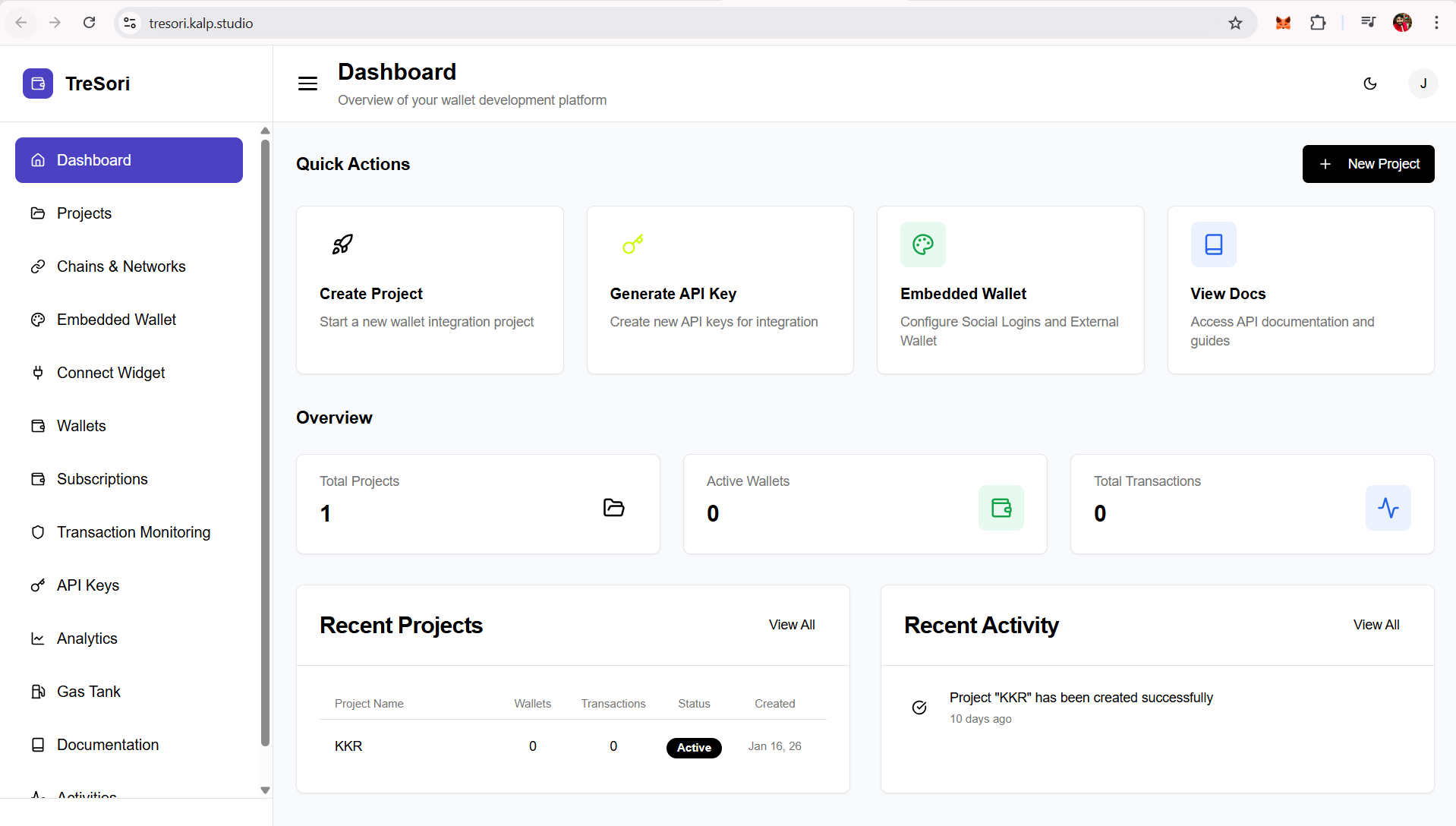
**Option-2: Direct Url access**
Alternatively, users can directly access Tresori by visiting in their browser.